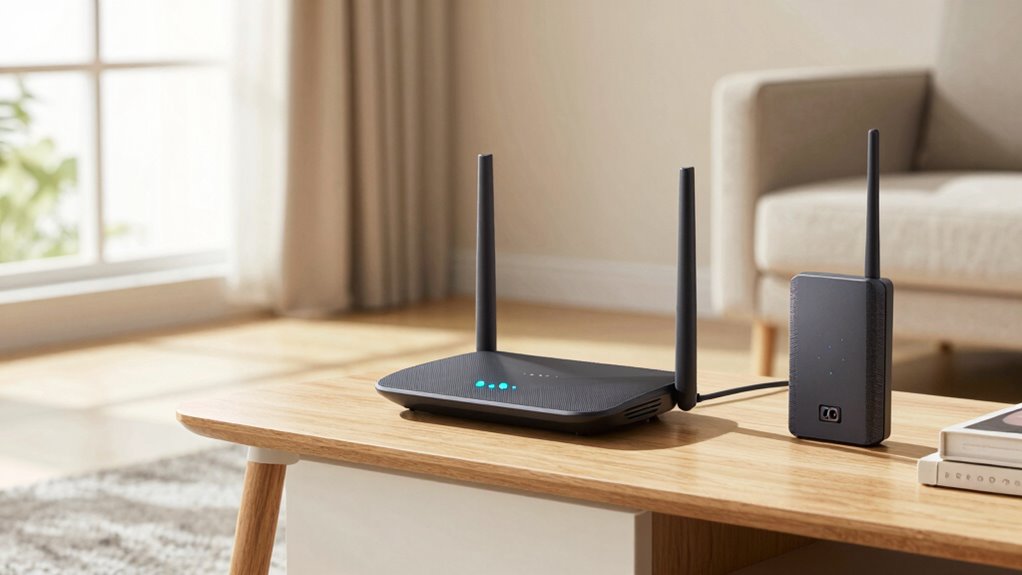

If your Wi-Fi struggles to cover your entire home, a mesh system usually works better because it automatically manages coverage and eliminates dead zones, making it ideal for larger spaces or busy households. Wi-Fi extenders can boost signals in specific areas but often require careful placement and may cause speed issues. To fix dead zones before kids’ homework melts down, choosing the right option depends on your home’s size—more details guide you to the best solution for your needs.
Key Takeaways
- Mesh Wi-Fi systems provide seamless, whole-home coverage, reducing dead zones automatically without manual adjustments.
- Extenders boost signal in specific areas but require careful placement and can create network segmentation issues.
- Mesh networks are more reliable for larger homes, while extenders are suited for targeted dead zone fixes in small spaces.
- Mesh systems support modern devices and Wi-Fi standards with easier setup and fewer compatibility issues.
- For quick, effective coverage, mesh Wi-Fi minimizes dead zones before kids start their homework.
Why Do Wi-Fi Dead Zones Happen in Your Home?
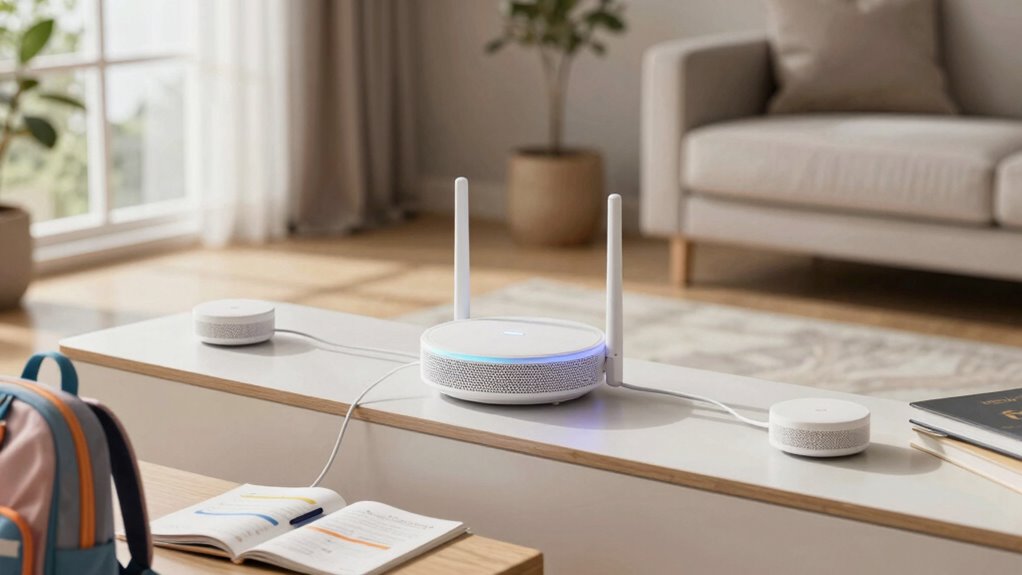
Wi-Fi dead zones often occur because signals struggle to reach every corner of your home, especially when obstacles block or weaken the connection. Wi-Fi interference from other electronic devices, such as cordless phones or microwaves, can disrupt the signal, making it harder for your devices to stay connected. Signal obstruction caused by thick walls, furniture, or appliances can also considerably reduce Wi-Fi coverage. These barriers weaken the signal as it passes through them, creating weak spots or dead zones. Additionally, the placement of your router plays an essential role; if it’s tucked away or near interference sources, coverage suffers. Understanding how Wi-Fi interference and Signal obstruction impact your network helps you identify why dead zones form and what you can do to improve coverage. Proper router placement and awareness of wireless signal barriers can significantly enhance your home Wi-Fi performance, especially when considering the use of Mesh Wi-Fi systems to eliminate dead zones effectively.
How Do Mesh Wi-Fi Systems Cover Your Entire Home?
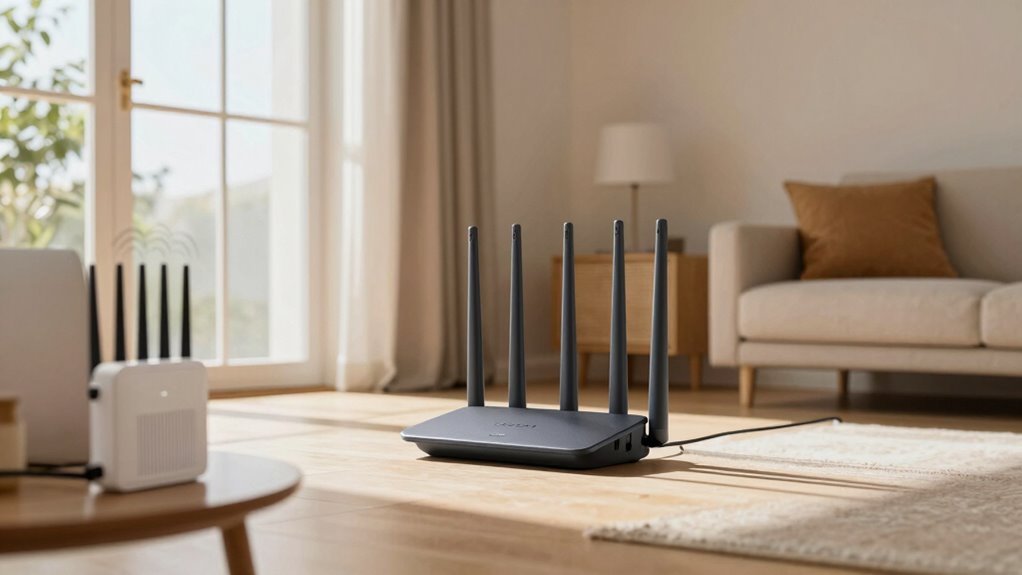
Mesh Wi-Fi systems enhance coverage by deploying multiple nodes that work together to create a unified network. These nodes are strategically placed around your home to guarantee seamless mesh coverage, eliminating dead zones. As you set up, each node communicates with the others, forming a single, robust Wi-Fi network. This setup allows your devices to connect to the strongest signal, regardless of your location. Unlike traditional extenders, which require careful extender placement to boost signals effectively, mesh systems automatically optimize connections between nodes. This means you don’t have to worry about weak spots or inconsistent coverage. The result is a reliable, whole-home Wi-Fi experience that keeps all your devices connected, whether you’re in the basement, attic, or backyard.
How Do Wi-Fi Extenders Eliminate Dead Spots?

Wi-Fi extenders eliminate dead spots by boosting your signal in weaker areas of your home. Proper placement is vital—they should be positioned where they can receive a strong signal from your router and transmit it effectively. Understanding signal boosting techniques and strategic placement helps guarantee your entire home stays connected. Additionally, digital content formats can influence how effectively your network performs by optimizing data flow and user experience. A deeper understanding of wireless signal propagation and the materials used in luxury interiors, such as luxury wallpapers, can further enhance your ability to eliminate dead zones efficiently. Considering wireless interference sources and their impact can also improve extender placement for optimal coverage. Recognizing environmental factors that affect signal strength, such as thick walls or electronic devices, can further optimize your setup.
Signal Boosting Techniques
When it comes to eliminating dead spots in your home, Wi-Fi extenders play a crucial role by actively strengthening your wireless signal. They achieve this through signal amplification, which boosts the existing Wi-Fi signal to reach farther areas. By picking up the signal from your router and rebroadcasting it, extenders create a stronger connection in previously weak zones. This process also adds network redundancy, ensuring that if one part of your network experiences interference or congestion, the extender provides an alternative pathway, maintaining stable connectivity. The key to effective signal boosting is a dependable extender that enhances coverage without sacrificing speed. Additionally, employing sustainable network solutions can help minimize environmental impact while maintaining reliable internet access. Incorporating energy-efficient devices and environmentally friendly technology options can further reduce the ecological footprint of your network setup. Furthermore, choosing eco-conscious networking devices ensures your network remains efficient and environmentally responsible. This approach helps eliminate dead spots, making sure every corner of your home stays connected, especially when kids need reliable internet for homework.
Placement Strategies for Extenders
To effectively eliminate dead spots with a Wi-Fi extender, proper placement is essential. Start by positioning the extender halfway between your router and the area with poor coverage. Avoid placing it too close to the router, which can cause interference, or too far away, where it won’t get a strong signal. Look for a spot where the extender can receive a solid Wi-Fi signal from the router while still being accessible to devices in dead zones. Adjust the router placement if needed to optimize coverage. Keep the extender off thick walls and metal objects that can block signals. Proper extender positioning ensures better signal strength and coverage, giving you a more reliable Wi-Fi connection throughout your home. Additionally, understanding best airless paint sprayers can help you achieve efficient painting projects, reducing time and effort needed for maintenance and repairs. For optimal results, consider using a Wi-Fi analyzer to identify the best placement spots and minimize interference.
Which Is Easier to Set Up: Mesh Wi-Fi or Extenders?
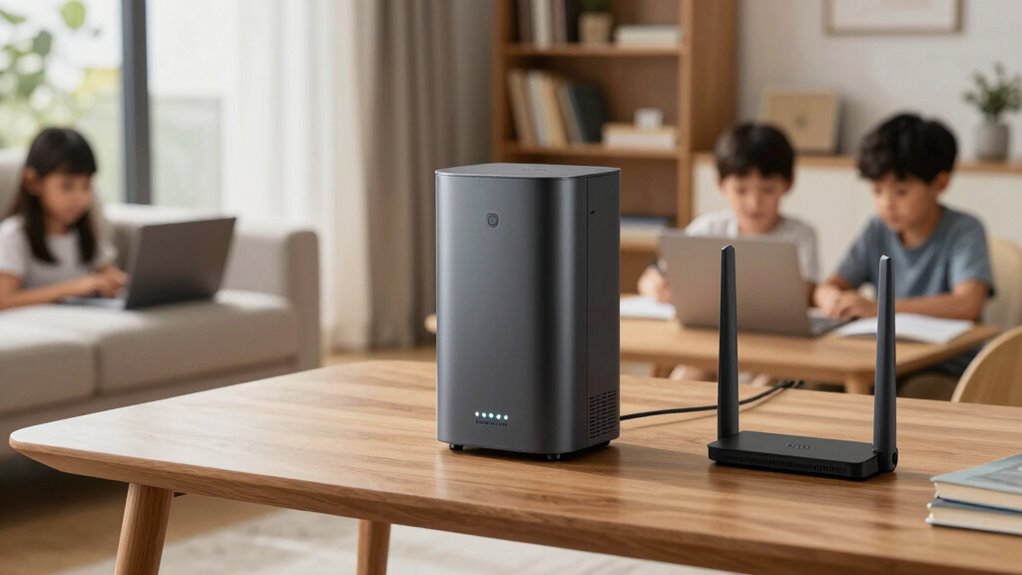
Setting up a mesh Wi-Fi system is usually straightforward, especially since many come with user-friendly apps that guide you through the process. Extenders can be simple too, but compatibility issues with your existing devices might complicate the installation. Overall, your choice depends on how comfortable you are with technology and whether your devices support the setup. Additionally, understanding the protocols involved in smart device communication can help ensure a smoother installation process. Knowing about network security protocols can also help protect your home Wi-Fi network during setup and use. Being aware of network performance optimization techniques can further enhance your Wi-Fi coverage and stability. Incorporating interference management strategies can help maintain a reliable connection across your entire home.
Setup Complexity
Choosing the right Wi-Fi extension method depends largely on how easy it is to set up. Mesh Wi-Fi systems are designed for simplicity, often involving just a few steps to install and configure, with automatic interference mitigation. Extenders can be trickier, requiring you to connect to existing networks and manually place them for ideal coverage.
Consider these points:
- Mesh systems usually come with user-friendly apps guiding setup
- Extenders may need multiple configurations to avoid interference
- Mesh units often have plug-and-play design, reducing setup time
- Compatibility with existing devices is generally seamless with mesh systems
- Setup process is generally more straightforward with mesh Wi-Fi systems, making them a popular choice for non-technical users.
Device Compatibility
When it comes to device compatibility, mesh Wi-Fi systems generally offer a smoother experience than extenders. Mesh networks are designed to work seamlessly with most modern devices and often support the latest Wi-Fi standards, ensuring better device compatibility. With firmware updates, mesh systems tend to receive regular improvements, enhancing security and performance without much user effort. Extenders can sometimes struggle with compatibility, especially older models or devices that connect via specific bands. Firmware updates for extenders may also be less frequent or straightforward, leading to potential connectivity issues. Overall, mesh Wi-Fi systems simplify device compatibility by providing more consistent support, making it easier to connect multiple devices reliably and keep firmware updated effortlessly. Additionally, mesh networks are built with device interoperability in mind, which helps prevent common setup and compatibility problems. Their ability to adapt to various network standards ensures a more reliable connection as new devices enter your home. Furthermore, mesh systems often feature automatic network management, reducing the need for manual configuration and troubleshooting. These systems also tend to have better backward compatibility, ensuring older devices can still connect without issues.
How Do Speed and Stability Compare: Mesh vs Extenders?
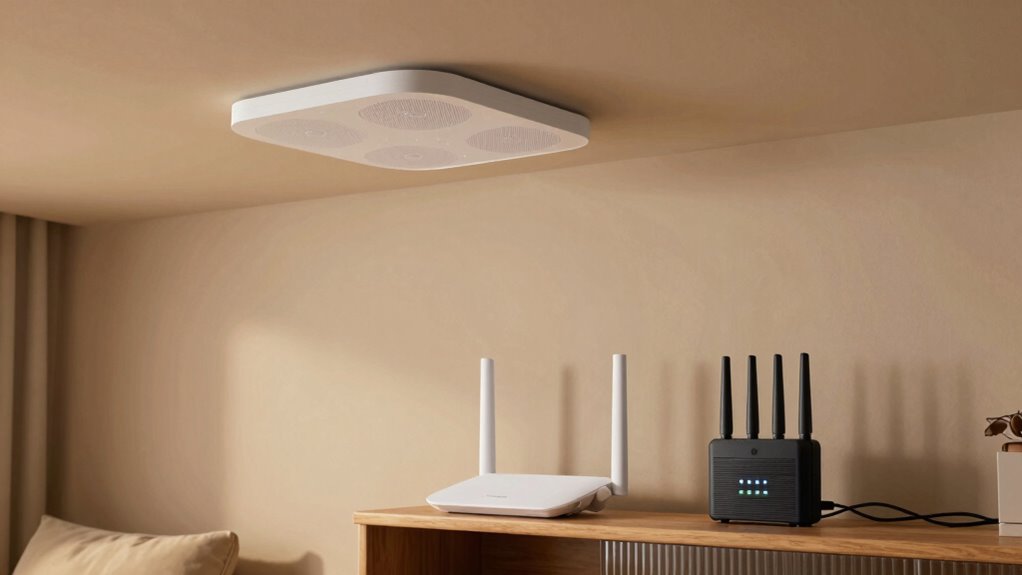
While both mesh systems and extenders aim to improve your Wi-Fi coverage, they handle speed and stability quite differently. Mesh networks generally deliver more consistent performance, as they use multiple nodes to create a seamless network. Extenders, on the other hand, often face issues like wireless interference and signal degradation, which can slow down your connection and cause drops. Effective network management can help optimize performance for both systems. Additionally, mesh systems typically include smart routing algorithms that adapt to network conditions for better stability. – Mesh systems minimize interference by intelligently routing data through the best path – Extenders can reduce speed as they retransmit signals, often over a single band – Mesh networks maintain stability even as you move around your home – Extenders may struggle with multiple devices, leading to lag and disconnections. Implementing proper placement of devices can also significantly improve overall network performance and reliability.
What’s the Cost Difference Between Mesh and Extenders?
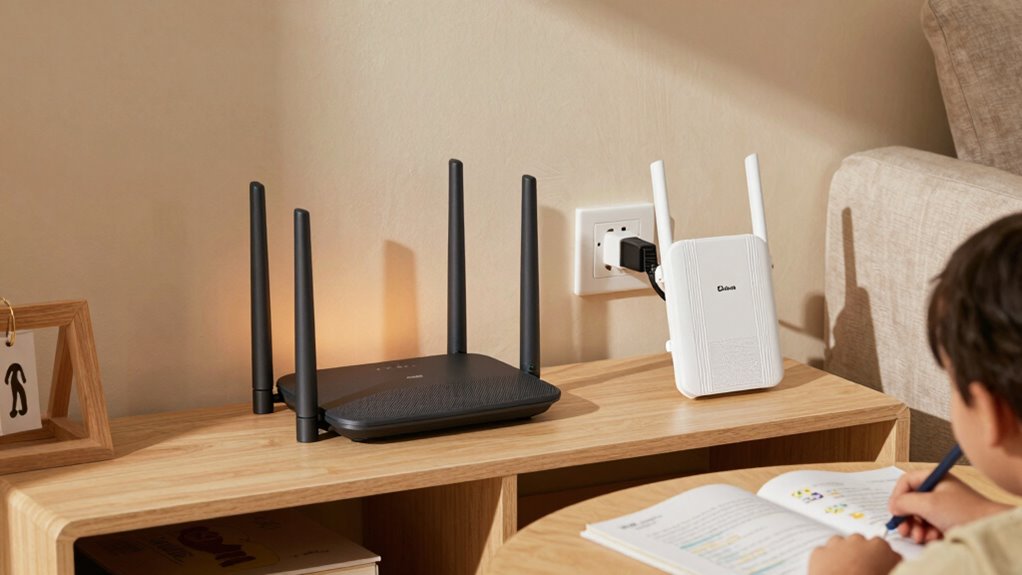
Are you curious about how the costs of mesh Wi-Fi systems compare to extenders? When doing a cost comparison, extenders generally cost less upfront, making them appealing if you’re on a tight budget. A basic Wi-Fi extender can be as affordable as $30 to $50, while a mid-range mesh system might start around $150 to $200 for a two or three-unit setup. However, consider your long-term budget considerations; mesh systems often offer better coverage and stability, potentially saving you money on replacement or additional devices later. Extenders may seem cheaper initially, but they could require more frequent replacements or updates. Weighing the upfront costs against the benefits can help you decide which option fits your budget and your home’s needs better.
Which Solution Works Best for Small Apartments or Large Homes?
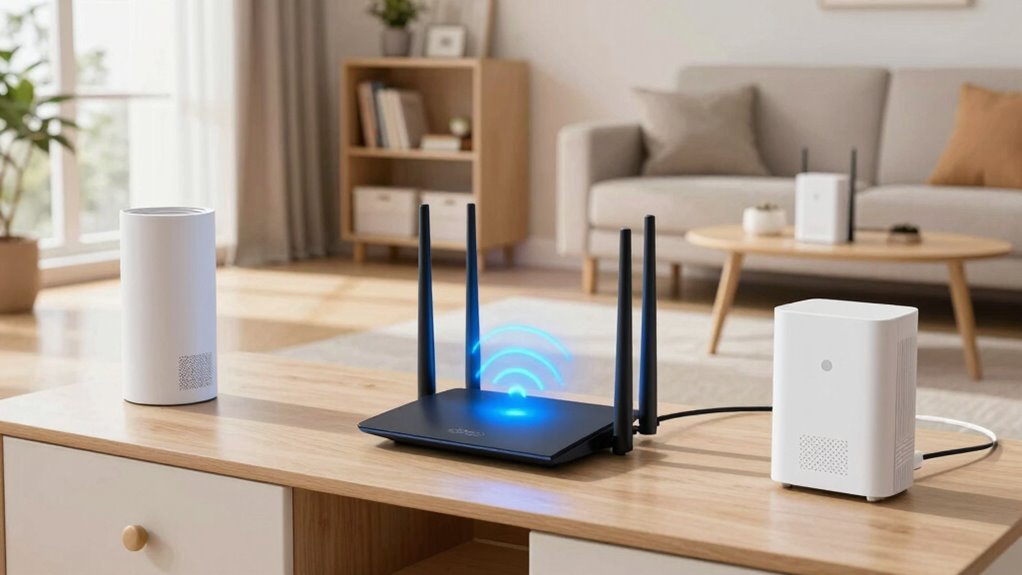
Choosing the right Wi-Fi solution depends heavily on your home’s size and layout. For small apartments, a single router with strategic router placement often suffices, minimizing signal interference. Larger homes, however, benefit from mesh Wi-Fi systems that provide consistent coverage across multiple floors and rooms.
Consider these factors:
- In small spaces, extenders can boost signals where needed
- For larger homes, mesh systems reduce dead zones more effectively
- Router placement is vital to avoid signal interference
- Mesh networks automatically optimize coverage, reducing dead spots
If your home has thick walls or multiple floors, a mesh system is usually a better choice. Proper router placement helps guarantee strong signals, whether you’re using an extender or a mesh system.
How Can You Troubleshoot Wi-Fi Dead Zones Effectively?
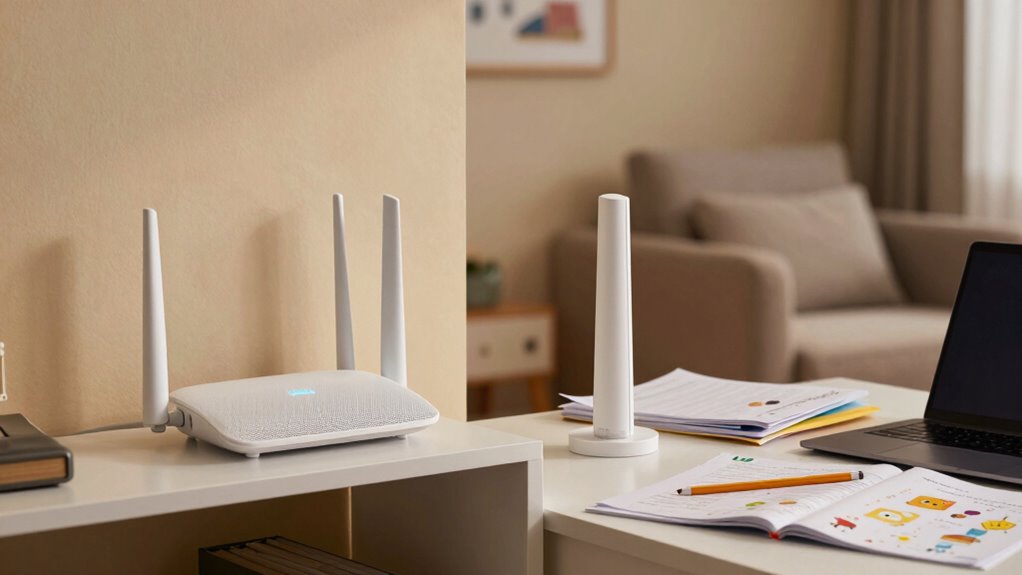
Troubleshooting Wi-Fi dead zones starts with identifying where the signal drops or weakens. Check if your router’s placement is ideal—avoid hiding it behind furniture or near thick walls. Keep it elevated and central in your home for better coverage. Next, look for interference sources like microwaves, cordless phones, or neighboring Wi-Fi networks that can disrupt your signal. Use a Wi-Fi analyzer app to spot dead spots and interference. Adjust your router’s location based on these insights. Sometimes, simply moving the router or reducing interference can improve coverage. Consider the following:
| Issue | Solution |
|---|---|
| Poor router placement | Place router higher and centrally in your home |
| Interference sources | Move devices or change Wi-Fi channels to avoid conflicts |
Which Is the Best Choice for Your Home: Mesh Wi-Fi or Extenders?
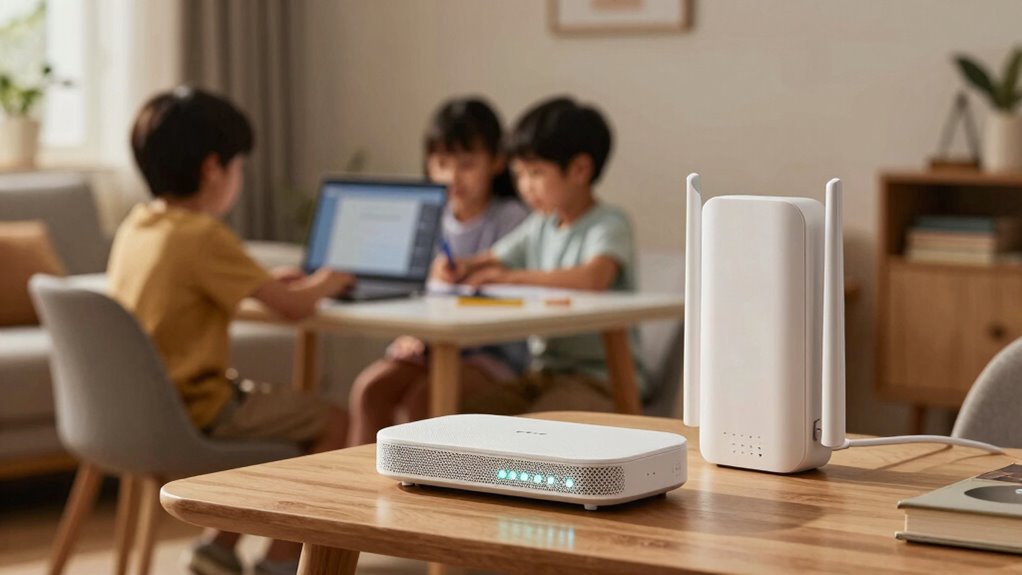
When deciding between Mesh Wi-Fi systems and Wi-Fi extenders, it’s important to contemplate your home’s size, layout, and specific coverage needs. If you have a large or multi-story home, a Mesh system offers seamless coverage and easier management, ideal for a smart home setup. Extenders can be a cost-effective option for smaller spaces or targeted dead zones but may weaken network security if not configured properly. Consider the following:
- Mesh systems provide unified network security across all nodes
- Extenders might create multiple networks, complicating device management
- Mesh setups support future smart home devices more reliably
- Extenders can cause slower speeds and signal drops in complex layouts
- Vetted products and configurations are essential to ensure optimal performance and security.
Ultimately, choose based on your home’s size, security concerns, and how seamlessly you want your smart home to operate.
Frequently Asked Questions
Can Mesh Wi-Fi Systems Support Multiple Devices Simultaneously?
Yes, mesh Wi-Fi systems can support multiple devices simultaneously. They manage wireless interference effectively and use device prioritization to guarantee your devices stay connected without lag. This means you won’t experience slowdowns even when several gadgets are in use at once. You get seamless streaming, video calls, and gaming, making it perfect for busy households where multiple devices need reliable, high-speed internet without interruptions.
Do Extenders Reduce Overall Internet Speed Significantly?
Did you know extenders can cause a 50% speed reduction due to signal degradation? Yes, they can substantially reduce your overall internet speed, especially if they aren’t placed properly. The longer the signal has to travel, the more speed you lose. So, if you want fast, reliable internet, consider a mesh Wi-Fi system instead, as it maintains better signal strength and minimizes speed reduction across your home.
How Frequently Should You Update Firmware on These Devices?
You should update firmware on your devices regularly, ideally every few months, to keep them running smoothly. Firmware maintenance is essential for improving performance and fixing bugs, while security updates protect your network from vulnerabilities. Check your device manufacturer’s website or app for prompts or notifications about updates. Staying current guarantees your mesh Wi-Fi or extender functions efficiently and stays secure, minimizing disruptions during busy family times.
Are Mesh Systems More Scalable Than Extenders?
Imagine building a flexible network web that grows effortlessly. Mesh systems are more scalable than extenders because they’re designed to expand seamlessly, overcoming scalability challenges that limit extenders. Extender limitations mean you often face dead zones and reduced speeds as you add more devices. With mesh, you connect new nodes with ease, creating a unified coverage that adapts to your home’s changing needs without sacrificing performance.
Which Option Is Better for Smart Home Device Integration?
Mesh Wi-Fi systems are better for smart home device integration because they offer seamless coverage and improved device compatibility. You’ll find that mesh networks automatically connect your smart devices to the strongest signal, reducing disconnects and lag. This makes managing your smart home more reliable and easier. Extenders may cause compatibility issues or create dead zones, so for a smoother smart home experience, a mesh system is the smarter choice.
Conclusion
Choosing between mesh Wi-Fi and extenders is like picking the right key for your home’s Wi-Fi lock. Both can banish dead zones, but your decision depends on your home’s size, budget, and ease of setup. Remember, a strong Wi-Fi connection isn’t just about speed — it’s the lifeline that keeps your family connected and your sanity intact. So, pick wisely and watch your Wi-Fi woes vanish like a bad dream at dawn.